


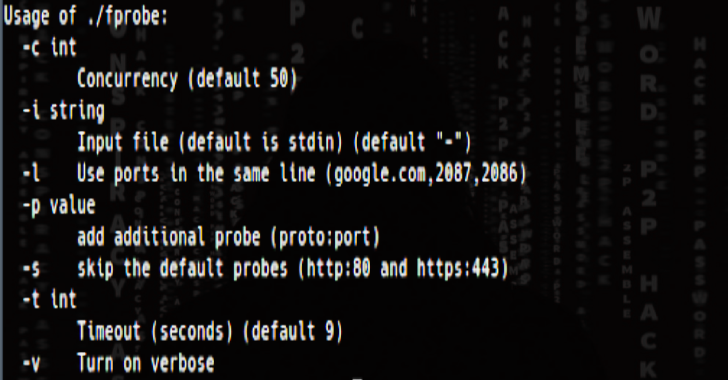
FProbe is a took to take list of domains/subdomains and probe for working http/https server.
Installation
GO111MODULE=on go get -u github.com/theblackturtle/fprobe
Features
- Take a list of domains/subdomains and probe for working http/https server.
- Optimize RAM and CPU in runtime.
- Support special ports for each domain
- Verbose in JSON format with some additional headers, such as
Status Code,Content Type,Location.
Usage
Usage
*******
-c int Concurrency (default 50)
-i string Input file (default is stdin) (default “-“)
-l Use ports in the same line (google.com,2087,2086)
-p value add additional probe (proto:port)
-s skip the default probes (http:80 and https:443)
-t int Timeout (seconds) (default 9)
-v Turn on verbose
Basic Usage
- Stdin input
❯ cat domains.txt | fprobe
- File input
❯ fprobe -i domains.txt
Also Read – R00kie-Kr00kie : PoC Exploit For The CVE-2019-15126 Kr00k Vulnerability
Concurrency
❯ cat domains.txt | fprobe -c 200
Use Inline Ports
If you want to use special ports for each domain, you can use the -l flag. You can parse Nmap/Masscan output and reformat it to use this feature.
- Input (domains.txt)
>>google.com,2087,2086,8880,2082,443,80,2052,2096,2083,8080,8443,2095,2053 >>yahoo.com,2087,2086,8880,2082,443,80,2052,2096,2083,8080,8443,2095,2053 >>sport.yahoo.com,2086,443,2096,2053,8080,2082,80,2083,8443,2052,2087,2095,8880
- Command
❯ cat domains.txt | fprobe -l
Timeout
❯ cat domains.txt | fprobe -t 10
Special Ports
❯ cat domains.txt | fprobe -p http:8080 -p https:8443
Use To Check Working Urls
❯ echo ‘https://google.com/path1?param=1’ | fprobe
https://google.com/path1?param=1
Use the built-in ports collection (Include 80, 443 by default)
- Medium: 8000, 8080, 8443
- Large: 81, 591, 2082, 2087, 2095, 2096, 3000, 8000, 8001, 8008, 8080, 8083, 8443, 8834, 8888
- XLarge: 81, 300, 591, 593, 832, 981, 1010, 1311, 2082, 2087, 2095, 2096, 2480, 3000, 3128, 3333, 4243, 4567, 4711, 4712, 4993, 5000, 5104, 5108, 5800, 6543, 7000, 7396, 7474, 8000, 8001, 8008, 8014, 8042, 8069, 8080, 8081, 8088, 8090, 8091, 8118, 8123, 8172, 8222, 8243, 8280, 8281, 8333, 8443, 8500, 8834, 8880, 8888, 8983, 9000, 9043, 9060, 9080, 9090, 9091, 9200, 9443, 9800, 9981, 12443, 16080, 18091, 18092, 20720, 28017
❯ cat domains.txt | fprobe -p medium/large/xlarge
Skip Default Probes
If you don’t want to probe for HTTP on port 80 or HTTPS on port 443, you can use the -s flag.
❯ cat domains.txt | fprobe -s
Verbose
The verbose output will be format in JSON format with some additional headers, such as Status Code, Content Type, Location.
❯ cat domains.txt | fprobe -v
>>{“site”:”http://google.com”,”status_code”:301,”server”:”gws”,”content_type”:”text/html; charset=UTF-8″,”location”:”http://www.google.com/”} >>{“site”:”https://google.com”,”status_code”:301,”server”:”gws”,”content_type”:”text/html; charset=UTF-8″,”location”:”https://www.google.com/”}
Credit: tomnomnom