

How EDR Killers Bypass Security Tools
By 0xSnow on March 19, 2026


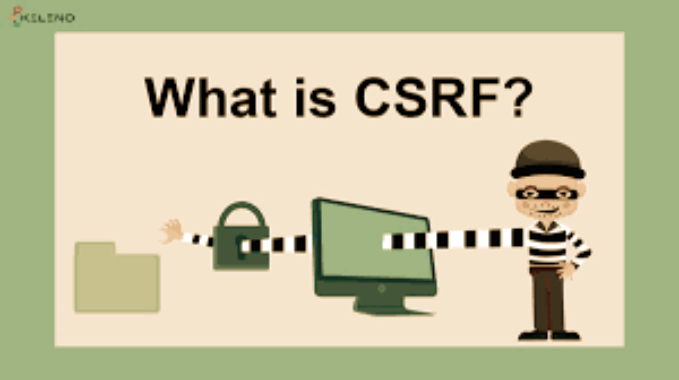
LazyCSRF is a Burp Suite extension that improves the built-in Cross-Site Request Forgery (CSRF) Proof of Concept generator. It addresses common limitations in Burp Suite’s default generator, particularly when handling JSON parameters, HTTP methods such as PUT and PATCH, and requests containing multibyte characters.
Security testers can use LazyCSRF to generate more suitable CSRF test pages without manually correcting certain request-handling and character-encoding issues.
Burp Suite is widely used for intercepting HTTP traffic and testing web application security. Its built-in Generate CSRF PoC feature helps testers create HTML pages that demonstrate whether a request can be triggered from another origin.
However, the default generator has limitations when dealing with requests that cannot be accurately represented using a standard HTML form. For example, requests containing JSON parameters or using HTTP methods such as PUT may produce an unsuitable PoC. The generated output can also display multibyte characters incorrectly, even when those characters appear correctly inside Burp Suite.
LazyCSRF was developed to address these problems and provide a more practical alternative for generating CSRF PoCs during web application assessments.
One of the practical improvements in LazyCSRF is its handling of multibyte characters. Burp Suite’s default CSRF PoC generator may produce garbled text when a request contains characters from languages such as Japanese.
LazyCSRF generates the PoC without introducing the same character-display problem, as long as the original characters are correctly displayed in Burp Suite. This helps testers preserve request data when creating reproducible test cases.
LazyCSRF is distributed as a JAR file through its GitHub Releases page. Follow these steps to install the extension:
After installation, the extension should be available through Burp Suite’s extension menu.
LazyCSRF integrates with Burp Suite’s context menu, allowing testers to generate a PoC directly from a captured HTTP request.
The extension selects an XMLHttpRequest-based approach for supported requests that are not suitable for conventional form-based PoC generation.
Developers who want to build the extension themselves can use IntelliJ IDEA or Maven.
Open the project in IntelliJ IDEA and navigate to the following menu option:
Build → Build Artifacts → LazyCSRF:jar → Build
IntelliJ IDEA will build the JAR artifact using the project configuration.
LazyCSRF also supports building with Maven. Open the project directory in a terminal and run the appropriate Maven build command configured for the project.
LazyCSRF provides an alternative to Burp Suite’s default CSRF PoC generator, particularly for JSON-based requests, additional HTTP methods, and multibyte character handling. It can be useful for penetration testers who regularly create CSRF test cases during web application assessments.
Project repository: LazyCSRF on GitHub
Related reading: Explore Burp Suite tutorials and web application testing techniques to learn more about using Burp Suite during security assessments.


