Subdomain takeover is a class of vulnerability where subdomain points to an external service that has been deleted. The external services are Github, Heroku, Gitlab, Tumblr and so on. Let’s assume we have a subdomain sub.example.com that points to an external service such as GitHub. If the Github page is removed by its owner and forgot to remove the DNS entry that points to GitHub service. An attacker can simply takeover subdomain by adding CNAME file containing the sub.example.com.
Also ReadXenoScan – Open source memory scanner written in C++
Here is the command that checks CNAME record of a subdomain.
$dig CNAME apt.shopify.com --> apt.shopify.com.s3-website-us-east-1.amazonaws.com. There are a lot of sites having thousands of subdomain and it’s really hard to check each subdomain. Here we got a script that shows CNAME record for each domain. It takes a file name as an input and perform some action and finally produce it output, which shows CNAME record for each domain. The input file should contain a list of subdomains.
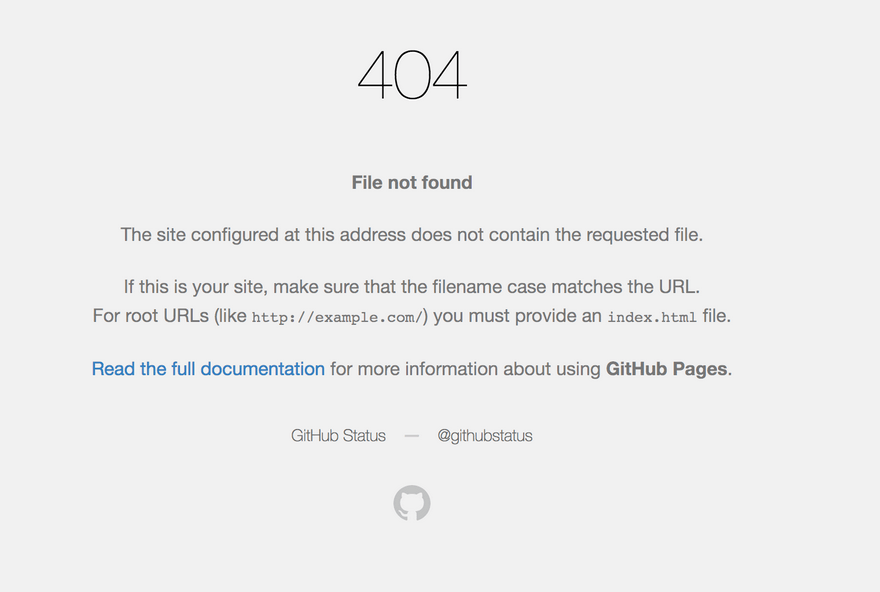
There are some fingerprints should be analysed when service is deleted and DNS entry remains as it is. The attacker get this error when visiting vulnerable subdomain such as “There isn’t a Github Pages site here.” or view below image for more detail.
phpMyAdmin is a free, open-source PHP application that provides a browser-based interface for managing MySQL and…
Zabbix is a mature open-source infrastructure monitoring platform that collects metrics from network devices, servers, virtual…
Gradle is a powerful open-source build automation tool used primarily for Java, Kotlin, Groovy, and Android…
TeamViewer is a proprietary cross-platform remote access application for remote control, desktop sharing, file transfer, and online meetings. It is one of the most widely used remote support tools in the world, available for Windows, macOS, Linux, iOS, and Android. TeamViewer is not included in the Ubuntu repositories because it is proprietary software. This guide covers how to install TeamViewer on Ubuntu 18.04 using the official .deb package. The same steps apply to Ubuntu 16.04, Debian, Linux Mint, and Elementary OS. <strong>Prerequisite:</strong> You need sudo access. Install TeamViewer on Ubuntu: Download the .deb Package Download the official TeamViewer .deb package. The _amd64.deb suffix indicates this package is for 64-bit x86-64 systems. For ARM-based machines, download the appropriate package from the TeamViewer Linux downloads page: bashwget https://download.teamviewer.com/download/linux/teamviewer_amd64.deb Install the package using apt. The ./ prefix tells apt this is a local file path, not a package name from the repositories:…
Nagios is one of the most widely used open-source infrastructure monitoring systems in the world. It…
Laravel is an open-source PHP web application framework built around an expressive, developer-friendly syntax. It is…