How EDR Killers Bypass Security Tools
By 0xSnow on March 19, 2026


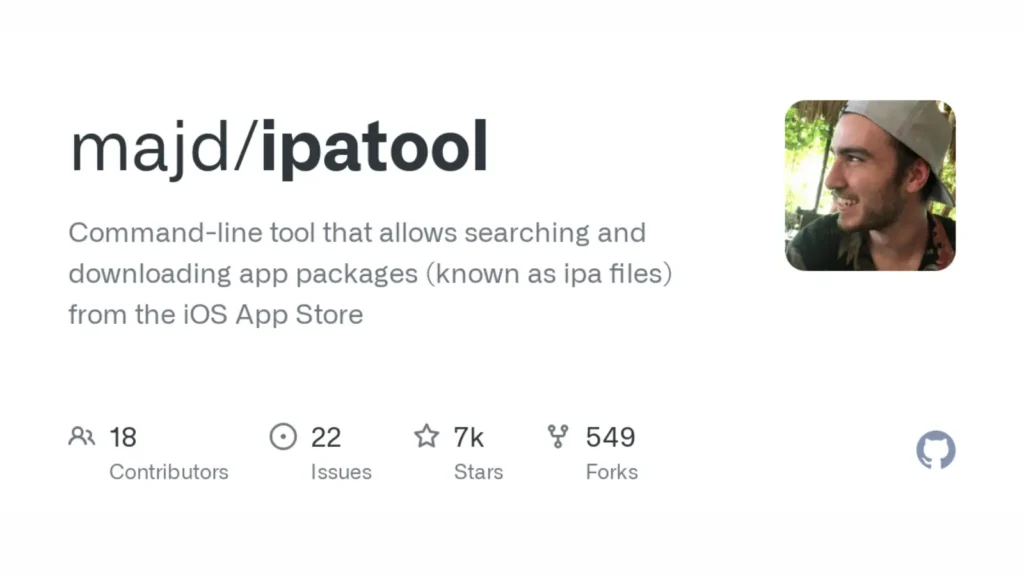
Reverse engineers and iOS security researchers often need access to raw IPA packages outside the standard App Store delivery pipeline. App Store mechanisms strip debugging symbols, bundle app thinning variants, and provide no programmatic interface for bulk downloads or license management. IPATool fills this gap by offering a command-line interface that authenticates directly against Apple’s App Store APIs, enabling search, purchase, and download of iOS app packages on Windows, Linux, and macOS.
Written in Go and released under the MIT license, the tool is maintained by majd and covers the full app acquisition workflow from discovery through to decrypted IPA retrieval. You can inspect source code, release binaries, and open issues on the official IPATool GitHub repository. Mobile security teams use it for static analysis preparation and app inventory management across large test device fleets.
macOS users get the cleanest installation experience through Homebrew. The tool lives in a custom tap maintained by the developer.
# Tap the repository and install IPATool via Homebrew
brew tap majd/repo
brew install ipatool
Linux and Windows users can download pre-compiled binaries directly from the GitHub releases page. Extract the archive, place the binary somewhere in your $PATH, and mark it executable.
# Make the binary executable on Linux after downloading
chmod +x ipatool-linux-amd64
sudo mv ipatool-linux-amd64 /usr/local/bin/ipatool
Developers who want to compile from source need Go installed on their system. The build process uses standard Go toolchain commands.
# Clone the repository and build the binary from source
git clone https://github.com/majd/ipatool
cd ipatool
go build -o ipatool
Every IPATool operation that touches the App Store backend requires valid Apple ID authentication. The auth command manages credential storage and session state locally.
# Log into the App Store with your Apple ID
ipatool auth login --email your@apple.com --password yourpassword

# View current authenticated account information
ipatool auth info

# Revoke stored credentials from the local keychain
ipatool auth revoke
Credentials store inside the system keychain on macOS and inside an encrypted local file on Linux and Windows. Two-factor authentication is supported. If your Apple ID has 2FA enabled, IPATool will prompt for a verification code during the login flow.
Note: Apple IDs used with IPATool should ideally be dedicated testing accounts. Using your primary personal Apple ID for automated App Store API interactions carries risk of account flagging by Apple’s fraud detection systems.
App discovery runs through Apple’s official App Store search API. The search command returns bundle identifiers, developer names, version numbers, and App Store IDs that you need for subsequent download operations.
# Search for apps matching a keyword with a result limit
ipatool search "burp suite" --limit 5

# Search and output results in JSON format for scripting
ipatool search "frida" --limit 10 --format json
Before downloading an app your Apple ID has never purchased, you must acquire a license first. The purchase command handles this step using the bundle identifier returned from a search query.
# Acquire a free app license using its bundle identifier
ipatool purchase --bundle-identifier com.example.targetapp
This step is mandatory even for free applications. The App Store license check validates that your authenticated Apple ID has entitlement to download the binary. Skipping it returns a purchase error during the download step.
The download command retrieves the encrypted IPA package from Apple’s CDN to a local output path. You can reference the app by its numeric App Store ID or by bundle identifier.
# Download an IPA using the App Store numeric app ID
ipatool download -i 1234567890 -o ./output/targetapp.ipa

# Download an IPA using the bundle identifier
ipatool download --bundle-identifier com.example.targetapp -o ./output/targetapp.ipa

# Enable verbose output to debug authentication or CDN issues
ipatool download -i 1234567890 -o ./output/targetapp.ipa --verbose
| Flag | Purpose | Example Value |
|---|---|---|
-i | App Store numeric ID | 1234567890 |
-b / --bundle-identifier | App bundle ID string | com.example.app |
-o | Output file path for the IPA | ./apps/target.ipa |
--format | Output format for results | json or text |
--non-interactive | Suppress all prompts for automation | No value (boolean flag) |
--verbose | Print detailed API and CDN request logs | No value (boolean flag) |
The downloaded IPA arrives encrypted with Apple’s FairPlay DRM. Static analysis tools that work directly against the IPA contents, such as TruffleHog for secret scanning, can process the decrypted binary only after running the app through a decryption step on a jailbroken device or using a tool like Frida-based decryptors. Sort and catalogue downloaded packages using the sort command when managing large app collections across multiple research sessions.
IPATool ships with a test suite executable through the standard Go test runner. This is useful when patching or extending the tool with custom modules for private enterprise app stores or MDM environments.
# Generate mocks and run the full test suite
go generate github.com/majd/ipatool/...
go test -v github.com/majd/ipatool/...
The --non-interactive global flag disables all confirmation prompts and interactive 2FA challenges, making IPATool suitable for headless CI runners. Combine it with pre-stored credentials and JSON output format to build fully automated app download pipelines for continuous security testing workflows.


.jpg "The Evolution of Online Finance Tools In a Tech-Driven World")